WordPress powers more than 40% of websites on the internet, making it the most popular content management system in the world. While its popularity brings flexibility and a huge ecosystem of plugins and themes, it also makes WordPress a frequent target for cyber attacks.
The good news is that most WordPress security problems are not caused by the platform itself. Instead, they usually happen because of simple mistakes or overlooked maintenance tasks.
Understanding these common mistakes can help website owners significantly reduce the risk of security issues and keep their websites running safely.
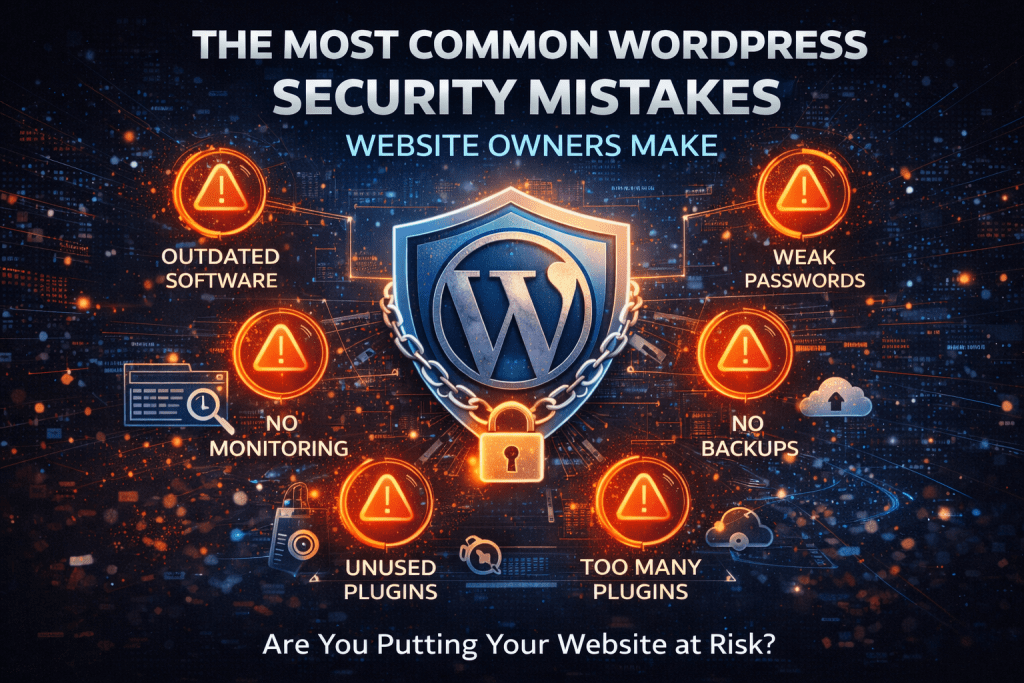
Not Keeping WordPress Updated
One of the most common security mistakes is failing to keep WordPress up to date.
The WordPress development team regularly releases updates to fix bugs, improve performance, and most importantly, patch security vulnerabilities. When websites continue running outdated versions of WordPress, they may contain known vulnerabilities that attackers can easily exploit.
Updating WordPress core as soon as new versions are released helps ensure that these security fixes are applied quickly and that your website remains protected.
Ignoring Plugin and Theme Updates
Plugins and themes extend the functionality and design of a WordPress website, but they also introduce additional code that must be maintained.
Developers regularly release updates to fix bugs, improve compatibility, and address security vulnerabilities. When these updates are ignored, plugins and themes can become weak points in a website’s security.
Many hacked WordPress sites are compromised through outdated plugins rather than WordPress core itself. Regularly updating plugins and themes is one of the simplest ways to reduce risk.
Installing Too Many Plugins
Plugins can be incredibly useful, but installing too many of them can create unnecessary security risks.
Each plugin adds additional code to your website, which increases the number of potential vulnerabilities. Some plugins may also conflict with others or become abandoned by their developers.
It is generally better to use fewer plugins and choose ones that are well maintained, regularly updated, and widely used within the WordPress community.
Using Weak Passwords
Weak passwords remain one of the easiest ways for attackers to gain access to websites.
Many automated attacks attempt thousands of login combinations to guess passwords. If your password is simple or reused across multiple accounts, attackers may eventually gain access.
Using strong, unique passwords for WordPress accounts, hosting accounts, and databases helps protect your website from brute force attacks.
Not Using Website Backups
Backups are often overlooked until something goes wrong.
Even with strong security measures in place, unexpected issues can still occur. Updates can fail, servers can experience problems, or websites may become infected with malware.
Having regular backups ensures that your website can be restored quickly if a problem occurs. Without backups, recovering a compromised site can become far more complicated and time consuming.
Leaving Unused Plugins and Themes Installed
Many website owners install plugins or themes to test them and then forget to remove them later.
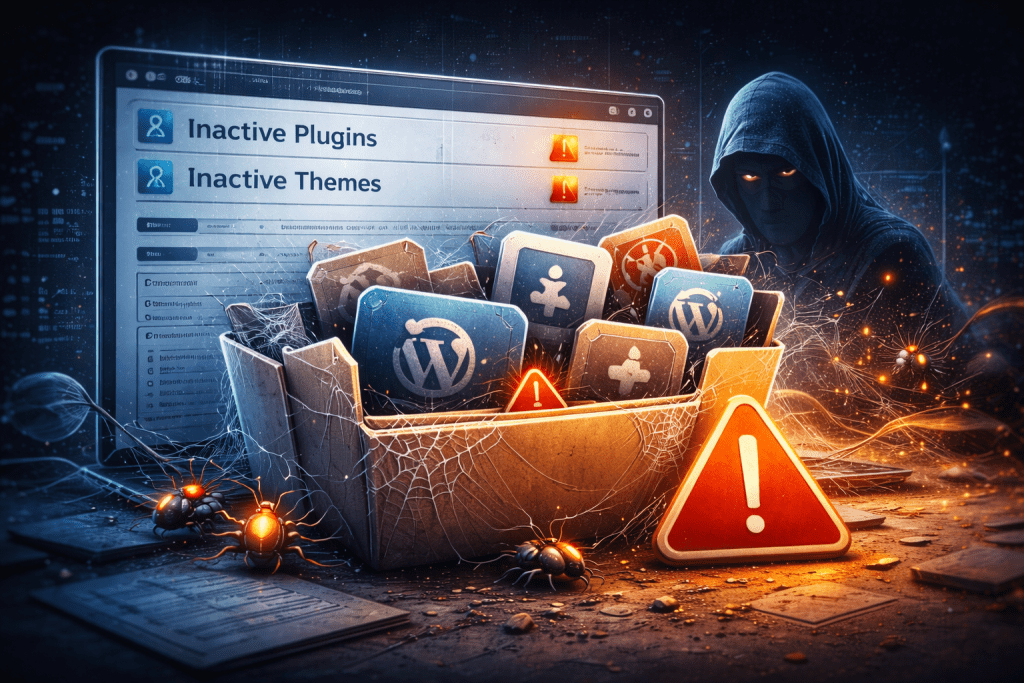
Even if these plugins are inactive, they may still contain vulnerabilities that attackers can exploit. Keeping unused software installed increases the number of potential entry points for attackers.
Removing plugins and themes that are no longer needed helps keep your website cleaner and more secure.
Not Monitoring Website Security
Security is not a one-time task. Websites should be monitored regularly for suspicious activity or vulnerabilities.
Monitoring tools can help detect issues such as unusual login attempts, file changes, or malware infections. Detecting problems early allows them to be resolved before they become serious.
Regular monitoring is an important part of maintaining a secure WordPress website.
Why Regular WordPress Maintenance Matters
Many of the security mistakes listed above occur simply because website owners do not have the time to manage ongoing maintenance tasks.
Keeping WordPress secure involves regularly updating software, monitoring for vulnerabilities, maintaining backups, and ensuring everything continues to run smoothly.
For many businesses, using a WordPress maintenance service helps ensure that these tasks are handled consistently. Regular maintenance helps protect websites from common security risks while providing visitors with a safe and reliable experience.
To Put It In Short
WordPress itself is a secure and powerful platform, but like any software it requires proper maintenance.
Most security issues occur when websites are not updated, poorly maintained, or left unmonitored. By avoiding these common mistakes and keeping your website properly maintained, you can significantly reduce the risk of security problems.
Taking a proactive approach to website security helps ensure that your visitors can browse your site safely and that your business continues to operate without unnecessary interruptions.